前言
本站使用的软件也运行了好多天了,目前各种小bug不断,但是好在没有什么致命的问题。
为了帮助用户更好地理解本软件的开发情况,所以写一篇文章,介绍有哪些功能,数据是怎么迁移的。
设计理念
简单,好用
侧重点:易用 > 易开发维护 > 拥有各种功能
实现的功能
本软件的设计,高度受Discourse启发。但不谋求实现Discourse的全部功能。
Murmur: Modern Discussion Forum
murmur is a high-performance, features-rich, Discourse/NimForum-style discussion forum. It is engineered with a hybrid SSR-First (Server-Side Rendering) architecture, delivering instant page loads and optimal SEO crawlers accessibility, while layering on real-time interactive widgets as progressive client-side enhancements.
🛠️ The Tech Stack
Murmur's architecture is divided into a high-performance web core, a relational database, and a specialized asset caching layer:
- Web Core: SvelteKit 2 utilizing Svelte 5 Runes for robust state management.
- Database & ORM: Drizzle ORM managing SQLite (
better-sqlite3 driver) for synchronous operations.
- Asset Performance: A custom caching proxy written in Rust using Axum (
uploads-proxy).
- Search Subsystem: SQLite FTS5 index combined with the
sqlite-vec extension for vector operations, and @node-rs/jieba CJK tokenizer.
- Real-time Features: Server-Sent Events (SSE) for pub/sub notifications, and Yjs text structures for wiki collaboration.
- Styling: TailwindCSS v4 with Flowbite Svelte.
🏛️ System Architecture Preview
Murmur is designed to maximize speed by avoiding clientside rendering overhead during initial page loads.
graph TD
Client[Browser Client]
SvelteKit[SvelteKit Node.js Server]
SQLite[(SQLite DB / local.db)]
Proxy[Rust Uploads-Proxy]
Upstream[Upstream Assets Server]
LLM[LLM API / Ollama / Gemini / OpenAI / Anthropic]
Client
Client
Proxy
Proxy
SvelteKit
SvelteKit
- Server-Side Rendering: SvelteKit processes the request, queries the SQLite database synchronously through the repository layer, compiles the page into static HTML, and responds.
- Client Hydration: The browser displays the HTML, downloads the JavaScript bundles, and hydrates components (e.g. Composer, Likes, Chat).
- Live Updates: An SSE connection is established to stream live updates (new posts, edits) to active tabs.
- Asset Offloading: The Rust
uploads-proxy handles asset queries. If a file is cached locally on disk, it is served; otherwise, the proxy downloads it from the upstream server with retry logic, saves it locally, and serves it.
📚 Documentation Index
Below is the directory map of the Murmur system documentation. Click on any link to view detailed guides:
⚙️ [System Architecture & Scaling](file:///f/murmur/doc/architecture.md)
- Detailed breakdown of the request-response lifecycle and hydration.
- Rust
uploads-proxy microservice design (thundering herd protection, atomic writes).
- Horizontal scaling recommendations (reconciliation, moving from memory SSE to Redis pub/sub, object storage).
Murmur: System Architecture
This document describes the high-level architecture of Murmur, including the frontend framework, backend data flow, integration with external services, and horizontal scaling patterns.
Technical Stack
Murmur is built using a modern, lightweight JavaScript stack, layered with a high-performance Rust microservice:
- Frontend / Meta-framework: SvelteKit 2 using Svelte 5 (Runes mode).
- Styling: TailwindCSS v4 (CSS-first, no
tailwind.config.js) & Flowbite Svelte components.
- Database: SQLite (
better-sqlite3 driver) wrapped with Drizzle ORM.
- Search Vector calculations: SQLite extension
sqlite-vec.
- Search tokenization:
@node-rs/jieba for CJK languages.
- Real-Time Communication: Server-Sent Events (SSE).
- Collaboration: Yjs text types synced stateless-ly over HTTP.
- Assets Proxy: Custom Axum-based Rust microservice (
uploads-proxy).
Component Layout & Data Flow
Murmur leverages Server-Side Rendering (SSR) by default to deliver HTML instantly to crawlers and users. Clientside Svelte components progressively hydrate the page to enable real-time messaging, infinite scroll, and rich editing.
graph TD
Client[Browser Client]
SvelteKit[SvelteKit Node.js Server]
SQLite[(SQLite DB / local.db)]
Proxy[Rust Uploads-Proxy]
Upstream[Upstream Assets Server]
LLM[LLM API / Ollama / Gemini / OpenAI / Anthropic]
Client
Client
Proxy
Proxy
SvelteKit
SvelteKit
1. Request Lifecycle
- The browser requests a page (e.g.,
/t/slug/id).
- SvelteKit's routing resolves the path and calls the server-side load function (
+page.server.ts), which queries the database synchronously via the repository layer (src/lib/server/repo.ts).
- SvelteKit renders the page as static HTML (SSR-first) and returns it.
- The client browser parses the HTML, displays it immediately, and fetches Svelte bundles to hydrate active widgets (e.g., the composer, emoji picker, likes).
- The client initiates a Server-Sent Events (SSE) connection to listen to live updates.
Node.js & Rust uploads-proxy Integration
User-uploaded attachments and legacy images are cached locally on disk. To prevent heavy Node.js threads from blocking on large file IO operations:
- Node.js Server: Serves core HTML/JS payloads and handles API mutations.
- Rust uploads-proxy: Serves files located under
/uploads/. It listens on 127.0.0.1:4119 and handles file lookups.
- Cache Hit: Serves the local file immediately using high-speed async file streaming via
tokio-util.
- Cache Miss: Downloads the asset from the configured upstream server (attempts up to 3 times, with a 2-second sleep duration between attempts), saves it locally, and serves it to the user.
- Thundering Herd Coalesce: Employs a mutex and
tokio::sync::Notify to block duplicate concurrent requests for the same missing asset, ensuring only one download request hits the upstream server.
Real-Time Engine (SSE Pub/Sub)
Murmur uses a single-process in-memory pub/sub pattern implemented in [events.ts](file:///f/murmur/src/lib/server/events.ts):
- Route handlers or repository mutations call
publish(topicId, event).
- The Server-Sent Events endpoint [events/+server.ts](file:///f/murmur/src/routes/t/[slug]/[id]/events/+server.ts) subscribes to updates for a specific topic.
- It streams JSON-LD chunk lines to the browser's
EventSource instance.
- The UI handles the event reactively to append new posts, update counts, or delete posts without page reloads.
Horizontal Scaling Strategy
Because SQLite and the SSE pub/sub system operate within a single process, horizontal scaling (running multiple instances of the Node.js process) requires:
- Database Layer: Replace the local
better-sqlite3 instance with a replicated SQLite setup (such as LiteFS) or migrate Drizzle configuration to PostgreSQL.
- Pub/Sub Layer: Replace the in-memory singleton in [events.ts](file:///f/murmur/src/lib/server/events.ts) with a Redis or RabbitMQ pub/sub server. Route connections to the pub/sub interface so that messages publish across all Node server processes.
- Uploads caching: Ensure the uploads-proxy instances point to a shared directory (e.g., NFS, GlusterFS) or replace the local filesystem storage with an Object Store (like AWS S3) by modifying the SvelteKit file upload API.
🗄️ [Data Model & Database Schema](file:///f/murmur/doc/data-model.md)
- Relational schema definitions for SQLite.
- Data design conventions (auto-increments, ISO-8601 timestamps, soft-deletions).
- Database tables, relationships, and indices optimization.
Murmur: Data Model & Database Schema
This document details the database schema, SQLite conventions, and tables managed by Drizzle ORM in Murmur. The database schema is located in [schema.ts](file:///f/murmur/src/lib/server/db/schema.ts).
Data Layer Conventions
To simplify imports, backups, and exports from active Discourse installations, Murmur maintains the following database patterns:
- Integer Auto-increment Primary Keys: All tables use auto-increment integers. The system user is seeded with ID
-1 (matching Discourse conventions).
- ISO-8601 Timestamps: Timestamps are stored as text (e.g.
2026-07-15T22:00:00.000Z) rather than SQLite Unix integers. They default to the current time via $defaultFn(() => new Date().toISOString()). This allows lexicographical sorting and matches Discourse CSV files.
- Booleans: Stored as integers (
0 or 1) using Drizzle's integer(..., { mode: 'boolean' }).
- Post Rendering: Posts store both the raw Markdown text (
raw) and the cooked sanitized HTML (cooked). Rendering is done via {@html cooked} without dynamic clientside compilation.
- Soft Deletions: Deleting topics or posts updates a
deletedAt ISO timestamp column instead of deleting database rows.
Database Tables
Below is an overview of the Drizzle tables:
1. users
Represents forum members, administrators, and moderators.
id: Integer primary key (Auto-increment).username: Unique username (Text).name: Full display name (Text, nullable).avatarUrl: URL of the user's avatar.email: User email address.githubId: Bound GitHub ID for SSO.admin / moderator: Role toggles (Booleans).trustLevel: Trust system ranking (0 to 4).silencedUntil: ISO timestamp until which the user is banned from posting.signatureRaw / signatureCooked: Markdown/HTML for post signatures.chatGlobalMuted: Toggle to silence all chat badge notifications (Boolean).
2. sessions & ssoSyncTickets
Authentication sessions matching Oslo specifications.
sessions.id: SHA-256 hash of the session token.sessions.userId: References users.id (on cascade delete).sessions.expiresAt: Expiration timestamp.
3. categories & categoryGroups
Discussion categories which support nesting.
categories.id: Integer primary key.categories.slug: Unique URL slug.categories.parentCategoryId: Self-referential FK targeting the parent category.categories.readRestricted: If true, restricts read permissions.categoryGroups: Maps categoryId to groupId and defines permissionType (Read, Create, Reply).
4. topics & posts
Forum threads and post items.
topics.userId: Thread creator.topics.bumpedAt: ISO timestamp updated on every reply to drive sorting.topics.closed / topics.pinned: State flags.posts.topicId: Parent thread.posts.postNumber: 1-based sequential position within the topic (OP is 1).posts.raw / posts.cooked: Markdown/cooked text.posts.replyToPostNumber: Identifies the post being replied to.posts.wiki: Toggle indicating if the post is editable by non-creators.
5. postRevisions
History of edits made outside the grace period.
postId: References posts.id.userId: Author of the edit.modifications: JSON string of modified properties (e.g. raw, cooked, title).number: Version sequence number.hidden: If true, hides modifications from normal users.
6. postEmbeddings & topicRecommendations
Vector semantic search embeddings and precomputed suggestions.
postEmbeddings.postId: References posts.id.postEmbeddings.embedding: Raw vector float buffer (Float32Array).topicRecommendations.topicId: References topics.id.topicRecommendations.recommendations: JSON string list of recommended topic IDs.
7. chatChannels, chatChannelMembers & chatMessages
Real-time messaging channels.
chatMessages.channelId: Parent channel.chatMessages.message / chatMessages.cooked: Raw/cooked text.chatChannelMembers.muted: Individual channel muting preference.
Schema DDL & Indices
Drizzle automatically creates indices to optimize query performance and prevent database locks:
posts_topic_number_idx on (posts.topicId, posts.postNumber).topics_category_bumped_idx on (topics.categoryId, topics.bumpedAt).likes_post_user_unq unique index on (likes.postId, likes.userId).topic_recommendations and post_embeddings map primary keys to their parent components to enable swift joins.
✍️ [Reply Composer, Drafts & Uploads](file:///f/murmur/doc/features/composer.md)
- Composer UI controls (height adjustments, split ratios, fullscreen mode).
- Local storage autosave and server-side syncing database logic.
- Formatting toolbar helpers, emoji picker, and attachments uploads.
- Kate-style whole-line keyboard shortcuts (
Ctrl+X / Ctrl+C).
Composer UI, Attachments & Draft Syncing
This document describes the reply composer UI, clientside formatting shortcuts, the draft autosave engine, and the multi-file attachment pipeline.
Composer Layout & Controls
The composer component [Composer.svelte](file:///f/murmur/src/lib/components/Composer.svelte) is modeled after the Discourse editor. It resides in a sticky drawer at the bottom of the screen.
+
| [v] Drag Handle (Height) |
+
| Title / Action Summary [ ] Full [ _ ] Min |
+
| [ B ] [ I ] [ Link ] [ Quote ] [ Tt v ] [ + v ] [ Undo ] [ Redo ]|
+
| Textarea Input (Markdown) | Live HTML Preview |
| | |
| | |
| |<
+
Resizing Features
- Height Resizing: Users can click and drag the top border handle. The chosen height is written to
localStorage.
- Split ratio Resizing: A vertical split bar sits between the editor and preview panels. Dragging it updates the split percentage dynamically.
- Fullscreen mode: Toggles the composer to fill the viewport.
- Minimization drawer: Minimizes the composer into a small, floating status bar at the bottom right.
Rich Formatting Toolbar & Emojis
1. Heading Selector (Tt)
Inserts heading markdown (# to ####) at the cursor selection.
2. Actions Selector (+)
```
- **Footnote**: Inserts inline footnote syntax (`^[footnote]`).
- **LaTeX Math**: Inserts standard math symbols wrapper (`$x^2## 前言
本站使用的软件也运行了好多天了,目前各种小bug不断,但是好在没有什么致命的问题。
为了帮助用户更好地理解本软件的开发情况,所以写一篇文章,介绍有哪些功能,数据是怎么迁移的。
设计理念
简单,好用
侧重点:易用 > 易开发维护 > 拥有各种功能
实现的功能
本软件的设计,高度受Discourse启发。但不谋求实现Discourse的全部功能。
Murmur: Modern Discussion Forum
murmur is a high-performance, features-rich, Discourse/NimForum-style discussion forum. It is engineered with a hybrid SSR-First (Server-Side Rendering) architecture, delivering instant page loads and optimal SEO crawlers accessibility, while layering on real-time interactive widgets as progressive client-side enhancements.
🛠️ The Tech Stack
Murmur's architecture is divided into a high-performance web core, a relational database, and a specialized asset caching layer:
- Web Core: SvelteKit 2 utilizing Svelte 5 Runes for robust state management.
- Database & ORM: Drizzle ORM managing SQLite (
better-sqlite3 driver) for synchronous operations.
- Asset Performance: A custom caching proxy written in Rust using Axum (
uploads-proxy).
- Search Subsystem: SQLite FTS5 index combined with the
sqlite-vec extension for vector operations, and @node-rs/jieba CJK tokenizer.
- Real-time Features: Server-Sent Events (SSE) for pub/sub notifications, and Yjs text structures for wiki collaboration.
- Styling: TailwindCSS v4 with Flowbite Svelte.
🏛️ System Architecture Preview
Murmur is designed to maximize speed by avoiding clientside rendering overhead during initial page loads.
graph TD
Client[Browser Client]
SvelteKit[SvelteKit Node.js Server]
SQLite[(SQLite DB / local.db)]
Proxy[Rust Uploads-Proxy]
Upstream[Upstream Assets Server]
LLM[LLM API / Ollama / Gemini / OpenAI / Anthropic]
Client
Client
Proxy
Proxy
SvelteKit
SvelteKit
- Server-Side Rendering: SvelteKit processes the request, queries the SQLite database synchronously through the repository layer, compiles the page into static HTML, and responds.
- Client Hydration: The browser displays the HTML, downloads the JavaScript bundles, and hydrates components (e.g. Composer, Likes, Chat).
- Live Updates: An SSE connection is established to stream live updates (new posts, edits) to active tabs.
- Asset Offloading: The Rust
uploads-proxy handles asset queries. If a file is cached locally on disk, it is served; otherwise, the proxy downloads it from the upstream server with retry logic, saves it locally, and serves it.
📚 Documentation Index
Below is the directory map of the Murmur system documentation. Click on any link to view detailed guides:
⚙️ [System Architecture & Scaling](file:///f/murmur/doc/architecture.md)
- Detailed breakdown of the request-response lifecycle and hydration.
- Rust
uploads-proxy microservice design (thundering herd protection, atomic writes).
- Horizontal scaling recommendations (reconciliation, moving from memory SSE to Redis pub/sub, object storage).
Murmur: System Architecture
This document describes the high-level architecture of Murmur, including the frontend framework, backend data flow, integration with external services, and horizontal scaling patterns.
Technical Stack
Murmur is built using a modern, lightweight JavaScript stack, layered with a high-performance Rust microservice:
- Frontend / Meta-framework: SvelteKit 2 using Svelte 5 (Runes mode).
- Styling: TailwindCSS v4 (CSS-first, no
tailwind.config.js) & Flowbite Svelte components.
- Database: SQLite (
better-sqlite3 driver) wrapped with Drizzle ORM.
- Search Vector calculations: SQLite extension
sqlite-vec.
- Search tokenization:
@node-rs/jieba for CJK languages.
- Real-Time Communication: Server-Sent Events (SSE).
- Collaboration: Yjs text types synced stateless-ly over HTTP.
- Assets Proxy: Custom Axum-based Rust microservice (
uploads-proxy).
Component Layout & Data Flow
Murmur leverages Server-Side Rendering (SSR) by default to deliver HTML instantly to crawlers and users. Clientside Svelte components progressively hydrate the page to enable real-time messaging, infinite scroll, and rich editing.
graph TD
Client[Browser Client]
SvelteKit[SvelteKit Node.js Server]
SQLite[(SQLite DB / local.db)]
Proxy[Rust Uploads-Proxy]
Upstream[Upstream Assets Server]
LLM[LLM API / Ollama / Gemini / OpenAI / Anthropic]
Client
Client
Proxy
Proxy
SvelteKit
SvelteKit
1. Request Lifecycle
- The browser requests a page (e.g.,
/t/slug/id).
- SvelteKit's routing resolves the path and calls the server-side load function (
+page.server.ts), which queries the database synchronously via the repository layer (src/lib/server/repo.ts).
- SvelteKit renders the page as static HTML (SSR-first) and returns it.
- The client browser parses the HTML, displays it immediately, and fetches Svelte bundles to hydrate active widgets (e.g., the composer, emoji picker, likes).
- The client initiates a Server-Sent Events (SSE) connection to listen to live updates.
Node.js & Rust uploads-proxy Integration
User-uploaded attachments and legacy images are cached locally on disk. To prevent heavy Node.js threads from blocking on large file IO operations:
- Node.js Server: Serves core HTML/JS payloads and handles API mutations.
- Rust uploads-proxy: Serves files located under
/uploads/. It listens on 127.0.0.1:4119 and handles file lookups.
- Cache Hit: Serves the local file immediately using high-speed async file streaming via
tokio-util.
- Cache Miss: Downloads the asset from the configured upstream server (attempts up to 3 times, with a 2-second sleep duration between attempts), saves it locally, and serves it to the user.
- Thundering Herd Coalesce: Employs a mutex and
tokio::sync::Notify to block duplicate concurrent requests for the same missing asset, ensuring only one download request hits the upstream server.
Real-Time Engine (SSE Pub/Sub)
Murmur uses a single-process in-memory pub/sub pattern implemented in [events.ts](file:///f/murmur/src/lib/server/events.ts):
- Route handlers or repository mutations call
publish(topicId, event).
- The Server-Sent Events endpoint [events/+server.ts](file:///f/murmur/src/routes/t/[slug]/[id]/events/+server.ts) subscribes to updates for a specific topic.
- It streams JSON-LD chunk lines to the browser's
EventSource instance.
- The UI handles the event reactively to append new posts, update counts, or delete posts without page reloads.
Horizontal Scaling Strategy
Because SQLite and the SSE pub/sub system operate within a single process, horizontal scaling (running multiple instances of the Node.js process) requires:
- Database Layer: Replace the local
better-sqlite3 instance with a replicated SQLite setup (such as LiteFS) or migrate Drizzle configuration to PostgreSQL.
- Pub/Sub Layer: Replace the in-memory singleton in [events.ts](file:///f/murmur/src/lib/server/events.ts) with a Redis or RabbitMQ pub/sub server. Route connections to the pub/sub interface so that messages publish across all Node server processes.
- Uploads caching: Ensure the uploads-proxy instances point to a shared directory (e.g., NFS, GlusterFS) or replace the local filesystem storage with an Object Store (like AWS S3) by modifying the SvelteKit file upload API.
🗄️ [Data Model & Database Schema](file:///f/murmur/doc/data-model.md)
- Relational schema definitions for SQLite.
- Data design conventions (auto-increments, ISO-8601 timestamps, soft-deletions).
- Database tables, relationships, and indices optimization.
Murmur: Data Model & Database Schema
This document details the database schema, SQLite conventions, and tables managed by Drizzle ORM in Murmur. The database schema is located in [schema.ts](file:///f/murmur/src/lib/server/db/schema.ts).
Data Layer Conventions
To simplify imports, backups, and exports from active Discourse installations, Murmur maintains the following database patterns:
- Integer Auto-increment Primary Keys: All tables use auto-increment integers. The system user is seeded with ID
-1 (matching Discourse conventions).
- ISO-8601 Timestamps: Timestamps are stored as text (e.g.
2026-07-15T22:00:00.000Z) rather than SQLite Unix integers. They default to the current time via $defaultFn(() => new Date().toISOString()). This allows lexicographical sorting and matches Discourse CSV files.
- Booleans: Stored as integers (
0 or 1) using Drizzle's integer(..., { mode: 'boolean' }).
- Post Rendering: Posts store both the raw Markdown text (
raw) and the cooked sanitized HTML (cooked). Rendering is done via {@html cooked} without dynamic clientside compilation.
- Soft Deletions: Deleting topics or posts updates a
deletedAt ISO timestamp column instead of deleting database rows.
Database Tables
Below is an overview of the Drizzle tables:
1. users
Represents forum members, administrators, and moderators.
id: Integer primary key (Auto-increment).username: Unique username (Text).name: Full display name (Text, nullable).avatarUrl: URL of the user's avatar.email: User email address.githubId: Bound GitHub ID for SSO.admin / moderator: Role toggles (Booleans).trustLevel: Trust system ranking (0 to 4).silencedUntil: ISO timestamp until which the user is banned from posting.signatureRaw / signatureCooked: Markdown/HTML for post signatures.chatGlobalMuted: Toggle to silence all chat badge notifications (Boolean).
2. sessions & ssoSyncTickets
Authentication sessions matching Oslo specifications.
sessions.id: SHA-256 hash of the session token.sessions.userId: References users.id (on cascade delete).sessions.expiresAt: Expiration timestamp.
3. categories & categoryGroups
Discussion categories which support nesting.
categories.id: Integer primary key.categories.slug: Unique URL slug.categories.parentCategoryId: Self-referential FK targeting the parent category.categories.readRestricted: If true, restricts read permissions.categoryGroups: Maps categoryId to groupId and defines permissionType (Read, Create, Reply).
4. topics & posts
Forum threads and post items.
topics.userId: Thread creator.topics.bumpedAt: ISO timestamp updated on every reply to drive sorting.topics.closed / topics.pinned: State flags.posts.topicId: Parent thread.posts.postNumber: 1-based sequential position within the topic (OP is 1).posts.raw / posts.cooked: Markdown/cooked text.posts.replyToPostNumber: Identifies the post being replied to.posts.wiki: Toggle indicating if the post is editable by non-creators.
5. postRevisions
History of edits made outside the grace period.
postId: References posts.id.userId: Author of the edit.modifications: JSON string of modified properties (e.g. raw, cooked, title).number: Version sequence number.hidden: If true, hides modifications from normal users.
6. postEmbeddings & topicRecommendations
Vector semantic search embeddings and precomputed suggestions.
postEmbeddings.postId: References posts.id.postEmbeddings.embedding: Raw vector float buffer (Float32Array).topicRecommendations.topicId: References topics.id.topicRecommendations.recommendations: JSON string list of recommended topic IDs.
7. chatChannels, chatChannelMembers & chatMessages
Real-time messaging channels.
chatMessages.channelId: Parent channel.chatMessages.message / chatMessages.cooked: Raw/cooked text.chatChannelMembers.muted: Individual channel muting preference.
Schema DDL & Indices
Drizzle automatically creates indices to optimize query performance and prevent database locks:
posts_topic_number_idx on (posts.topicId, posts.postNumber).topics_category_bumped_idx on (topics.categoryId, topics.bumpedAt).likes_post_user_unq unique index on (likes.postId, likes.userId).topic_recommendations and post_embeddings map primary keys to their parent components to enable swift joins.
✍️ [Reply Composer, Drafts & Uploads](file:///f/murmur/doc/features/composer.md)
- Composer UI controls (height adjustments, split ratios, fullscreen mode).
- Local storage autosave and server-side syncing database logic.
- Formatting toolbar helpers, emoji picker, and attachments uploads.
- Kate-style whole-line keyboard shortcuts (
Ctrl+X / Ctrl+C).
Composer UI, Attachments & Draft Syncing
This document describes the reply composer UI, clientside formatting shortcuts, the draft autosave engine, and the multi-file attachment pipeline.
Composer Layout & Controls
The composer component [Composer.svelte](file:///f/murmur/src/lib/components/Composer.svelte) is modeled after the Discourse editor. It resides in a sticky drawer at the bottom of the screen.
+
| [v] Drag Handle (Height) |
+
| Title / Action Summary [ ] Full [ _ ] Min |
+
| [ B ] [ I ] [ Link ] [ Quote ] [ Tt v ] [ + v ] [ Undo ] [ Redo ]|
+
| Textarea Input (Markdown) | Live HTML Preview |
| | |
| | |
| |<
+
Resizing Features
- Height Resizing: Users can click and drag the top border handle. The chosen height is written to
localStorage.
- Split ratio Resizing: A vertical split bar sits between the editor and preview panels. Dragging it updates the split percentage dynamically.
- Fullscreen mode: Toggles the composer to fill the viewport.
- Minimization drawer: Minimizes the composer into a small, floating status bar at the bottom right.
Rich Formatting Toolbar & Emojis
1. Heading Selector (Tt)
Inserts heading markdown (# to ####) at the cursor selection.
2. Actions Selector (+)
```
- **Footnote**: Inserts inline footnote syntax (`^[footnote]`).
- **LaTeX Math**: Inserts standard math symbols wrapper ().
- **Mermaid Flowchart**: Inserts standard Mermaid graphs template.
- **Table / Date**: Generates formatted markdown tables or inserts local timestamps.
3. Emoji Picker
A custom Svelte 5 component [EmojiPicker.svelte](file:///f/murmur/src/lib/components/EmojiPicker.svelte) displays emoji categories. It supports text-based query filtering and inserts the selected emoji at the cursor.
Kate-Like Whole Line Editing
When typing inside the editor, Murmur supports KDE Kate-style shortcuts:
- Ctrl+C (Copy): If no characters are selected (collapsed selection), copies the entire line containing the cursor (including the newline character).
- Ctrl+X (Cut): If no selection is active, cuts the entire line and moves lines below it up.
- Cursor Repositioning: After cutting, the cursor automatically snaps to the start of the next line, saving keystrokes.
This logic is bound to the handleKeyDown function in the composer. It interacts directly with the browser's clipboard API and forces a tick update on Svelte's reactive states to maintain history.
Draft Autosave & Database Synchronization
To prevent data loss, the composer synchronizes drafts using a hybrid approach:
sequenceDiagram
    participant Client as Browser Textarea
    participant Local as localStorage Cache
    participant API as /api/drafts/sync
    participant DB as SQLite drafts Table

    Client->>Local: Save drafts instantly on keystroke (Keydown)
    Client->>API: Periodic debounced save (Every 5 seconds)
    API->>DB: Write draft using compound key (userId + key)
    Note over API, DB: Last-write-wins merging by timestamp
- LocalStorage: Serves as the primary cache to save text instantaneously.
- Database Synchronization: Every 5 seconds (debounced), the client makes an HTTP POST request to
/api/drafts/sync. It pushes drafts to the SQLite database, ensuring edits are preserved across devices.
- Draft Disposal: Submitting a post deletes both the local storage key and the database row.
Clipboard Paste & Attachment Pipeline
The upload interface is triggered by clicking the paperclip icon or pasting an image directly from the clipboard into the editor:
- Upload Initiation: An async file reader creates a unique placeholder:
[Uploading image.png...] at the current cursor position.
- Chromium List safeguard: Before beginning async processing, the file list is cloned into a static array. This prevents Chromium browsers from resetting the active input files when the input element value is cleared.
- API Upload: The file is sent via multipart POST to
/api/upload. The endpoint validates files against allowed formats (e.g. jpg, png, gif, svg).
- Link Replacement: Once the API returns the permanent URL, the placeholder is replaced with the correct Markdown markup:
.
Codeblocks
- auto-detection of codeblocks based on the first line of the codeblock.
- mermaid flowcharts.
- toggle line numbers
- copy and full-screen buttons
🔍 [Full-Text & Semantic Search (RAG)](file:///f/murmur/doc/features/search-and-rag.md)
- SQLite FTS5 full-text indexing with Porter stemming.
- CJK search query segmentation using Jieba tokenizer.
sqlite-vec semantic vector distance search pipeline.- RAG AI chatbot integration and context permission safeguards.
Full-Text & Semantic Search (RAG)
This document describes the search subsystem in Murmur, including full-text indexing, CJK segmentation, vector semantic calculations, and the RAG (Retrieval-Augmented Generation) chatbot.
1. Full-Text Search Index (FTS5)
Full-text search is powered by SQLite's FTS5 extension. During database initialization in [index.ts](file:///f/murmur/src/lib/server/db/index.ts), Murmur configures the virtual table search_index with Porter stemming to enable English word matching (e.g. "runs" matches "running"):
CREATE VIRTUAL TABLE IF NOT EXISTS search_index USING fts5(
    title,
    content,
    topic_id UNINDEXED,
    post_id UNINDEXED,
    post_number UNINDEXED,
    user_id UNINDEXED,
    category_id UNINDEXED,
    created_at UNINDEXED,
    tokenize = 'porter unicode61'
);
CJK Query Segmentation (Jieba)
Standard FTS5 tokenizers do not split Chinese, Japanese, or Korean (CJK) characters into individual words because they lack space boundaries.
To solve this, Murmur intercepts search requests in [repo.ts](file:///f/murmur/src/lib/server/repo.ts) and parses queries using Jieba (@node-rs/jieba):
- RegEx Splitting: The query is split into CJK and non-CJK blocks.
- Segmentation: CJK blocks are parsed using
jieba.cutAll() to extract words.
- FTS5 Wrapping: Extracted tokens are wrapped in double quotes and separated by spaces, converting the search into an implicit AND condition (e.g.
学习 Svelte becomes "学习" "Svelte").
2. Semantic Search (sqlite-vec)
Semantic search finds matches based on conceptual similarity rather than exact keyword matches. It uses the sqlite-vec extension to run vector operations inside SQLite.
3. RAG Chatbot Integration
When a user runs a search query, Murmur displays a RAG chatbot assistant panel next to the search results:
+
| Search Results | 🤖 Chatbot Reply |
|
| 1. Topic: How to run Murmur | To run Murmur, execute: |
| By user1 - "Run pnpm dev..." | `pnpm dev`. Refer to |
| | /t/murmur/1 for details. |
| 2. Topic: Production Setup | |
| By user2 - "Compile build..." | [ AI thinking indicator ] |
+
LLM Streaming client
The server client in [chatLlm.ts](file:///f/murmur/src/lib/server/chatLlm.ts) streams responses from different providers:
- Ollama: Parses line-by-line NDJSON chunks.
- Gemini / OpenAI / Anthropic: Parses Server-Sent Events (SSE) data streams.
SSE Stream Synthesis
When a search is requested, the search API endpoint [stream/+server.ts](file:///f/murmur/src/routes/api/search/stream/+server.ts) initiates an SSE stream:
- It queries FTS5 and semantic databases for matches.
- Results are formatted as Markdown context blocks.
- It asks the LLM to summarize the findings and include links to the matched topics (e.g.
/t/slug/id/post_number).
- It streams response tokens to the client browser via
ai_answer_chunk events, which are compiled and rendered in the UI using markdown-it.
4. Privacy & Permission Filtering
To prevent information leaks (e.g., exposing private messages or restricted categories in search results or AI summaries):
- Permission Checking: The search service retrieves category permission rules via
getPermittedCategoryIds(user).
- Pre-filtering: Topics and posts belonging to restricted categories are filtered out of the results before the data is cached or sent to the LLM.
- RAG Security: The LLM context contains only the results the user has permission to read.
✍️ [Revisions & Wiki Editing](file:///f/murmur/doc/features/revisions-and-wiki.md)
- Post edit revisions, grace period overrides, and modifications storage.
- Myers split-diff comparison modal and revision rollbacks.
- Wiki post permissions and stateless Yjs collaborative sync protocol.
Revisions, Wiki Posts & Yjs Collaborative Editing
This document explains the version control system for post edits, wiki post privileges, and the collaborative Yjs document synchronization engine.
1. Post Revisions System
Murmur tracks the history of changes made to posts and topic details (titles and categories) over time.
Grace Period & Versioning
- Editing Grace Period: Managed by the
editing_grace_period site setting. If a user edits a post within this threshold (e.g. 5 minutes) after creation, modifications are overwritten without creating a new revision.
- Revision Capture: Edits made after the grace period increment the post's
version (and publicVersion) and save the differences to post_revisions.
- Modifications Storage: Differences are stored as JSON-serialized change objects containing the previous values of modified fields:
{
	"raw": ["Old post raw markdown", "New post raw markdown"],
	"title": ["Old topic title", "New topic title"]
}
2. Visual Diff Comparison Modal
When a post contains revisions, a clickable edit counter (e.g., ✍️ 2) is displayed next to the post's timestamp. Clicking it opens the [PostRevisionsModal.svelte](file:///f/murmur/src/lib/components/PostRevisionsModal.svelte) component:
- Myers Diff Algorithm: Compares line-by-line differences in raw markdown or HTML tags.
- Cooked HTML Preview: Toggles to render the formatted HTML output.
- Reversion: Users with edit permissions can click the "Revert" button to roll back the post to a chosen revision.
- Visibility controls: Staff members (administrators and moderators) can toggle the visibility of individual revisions to hide sensitive information.
3. Wiki Posts
Wiki posts allow collaborative editing by members of the community rather than just the author.
- Wiki Toggle: Staff members can convert any post into a wiki post.
- Permissions: Admins can configure the minimum user group or trust level required to edit wiki posts (defaults to staff and
trust_level_2 users).
- Indicators: Displays a wiki badge next to the post to show users they have permission to edit it.
4. Stateless Yjs HTTP Sync Protocol
To enable concurrent collaborative editing without keeping persistent WebSocket connections open, Murmur uses a stateless HTTP synchronization protocol:
sequenceDiagram
    participant Client as Browser Editor
    participant Server as /api/posts/[id]/wiki-sync
    participant DB as SQLite DB

    Client->>Server: Send stateVector (base64) & update (base64)
    Server->>DB: Fetch post yjsState BLOB
    Server->>Server: Apply client update to Y.Doc
    Server->>Server: Compute diff using client stateVector
    Server->>DB: Save updated Y.Doc buffer to yjs_state
    Server->>Client: Return update (base64) & merged text
Protocol Steps
- Initiation: The editor initializes a Yjs document (
Y.Doc) and extracts the text content.
- Synchronization Request: The client sends an HTTP POST request to
/api/posts/[id]/wiki-sync containing its local Yjs state vector and updates, encoded in base64.
- Server Merge:
- The server loads the post's current
yjsState from SQLite.
- It instantiates a server-side
Y.Doc and applies the database state.
- It applies the base64 update received from the client.
- Calculations: The server computes the missing updates for the client using the client's state vector.
- DB Update: If the merged text differs from the post's current content, the server runs
editPost() to update raw/cooked columns and saves the new Yjs state buffer.
- Response: The server returns the missing updates and the updated text to the client.
💬 [Real-Time Chat & Badges](file:///f/murmur/doc/features/chat.md)
- Public channels, direct message groups, and message management.
- Svelte 5 runes unread badge calculation and global/channel muting.
Real-Time Chat & Unread Badge system
This document describes the real-time chat subsystem in Murmur, including channels, user privileges, message edits, and the Svelte 5 runes unread badge system.
1. Chat Channels & DM Rooms
Murmur includes a built-in real-time chat workspace. It supports two channel types:
- Public Channels: General channels accessible by all registered members.
- Direct Messages (DMs): Private chat rooms created between two or more users.
2. Real-Time Message Flow
The chat interface streams updates in real time using Server-Sent Events (SSE):
sequenceDiagram
    participant ClientA as Sender Browser
    participant API as /api/chat/messages
    participant DB as SQLite DB
    participant SSE as SSE Stream Channel
    participant ClientB as Receiver Browser

    ClientA->>API: POST send message
    API->>DB: Write message to chat_messages
    API->>SSE: Publish message event
    SSE->>ClientB: Stream JSON event
    Note over ClientB: Append message to UI
Message Modifications
Users can edit or delete their own messages after they are sent. Moderators and administrators can edit or delete any message. Modifying a message updates the database and publishes an update event over SSE to sync all active clients.
3. Svelte 5 Runes Unread Badge System
To manage notification badges dynamically across the app, Murmur uses a client-side global state store powered by Svelte 5 runes:
4. Muting Preferences
To prevent notification fatigue, users can configure their alert preferences:
- Channel Muting: Users can mute individual channels. Muted channels do not trigger badge alerts or red dot indicators.
- Global Muting: Users can enable global muting in their profile settings. This silences all chat notifications across the site.
💻 [Developer Guide & Conventions](file:///f/murmur/doc/developer-guide.md)
- Coding standards (runes, TailwindCSS v4, synchronous queries, types).
- File-based routing structure.
- ESLint and Prettier code formatting standards.
Developer Guide & Conventions
This document outlines the coding standards, repository layout, and development guidelines for developers working on the Murmur project.
1. Project Conventions
Svelte 5 Runes Mode
- Murmur uses Svelte 5 runes. Use
$props(), $state(), $derived(), and $effect() for state management.
- Do not use legacy Svelte APIs (such as
export let, $:, or store.subscribe).
- The compiler options are inlined in the
vite.config.ts file under the Svelte plugin configurations.
Database Layer
- SQLite database operations run synchronously.
- Do not await database queries: Drizzle queries use
.all(), .get(), and .run() synchronously.
- Implement database mutations in [repo.ts](file:///f/murmur/src/lib/server/repo.ts). Do not write inline database queries in routes or page endpoints.
Code Separation
- Server-Only Code: Any logic placed under
src/lib/server/** is excluded from browser bundles.
- Shared Types: Clientside modules cannot import server code. Shared structures must be defined in [types.ts](file:///f/murmur/src/lib/types.ts).
Styling & CSS (TailwindCSS v4)
- TailwindCSS v4 is integrated as a CSS-first design tool. There is no
tailwind.config.js.
- Configurations, theme overrides, and custom fonts are managed in [layout.css](file:///f/murmur/src/routes/layout.css) using CSS variables.
2. Directory Routing Structure
The routing layer uses standard SvelteKit file-based routing under src/routes/:
/ : Landing page displaying latest topics./c/[slug]/[id] : Topics filtered by category./t/[slug]/[id] : Topic thread displaying posts and reply forms. Includes SSE streaming listeners./new : Full-page composer workspace./login : Authentication page (GitHub SSO & dev login)./admin/settings : Dashboard for administrators to configure site settings./sitemap.xml : Dynamic sitemap generation for web crawlers.
3. Formatting Standards
Code styling is enforced using Prettier and ESLint:
- Indent: Tabs.
- Quotes: Single quotes (
').
- Trailing Commas: None.
- Line Width: 100 characters.
Verify formatting using the formatting scripts before submitting changes:
pnpm lint
pnpm format
🛠️ [Operations & Maintenance Scripts](file:///f/murmur/doc/scripts.md)
- Standalone operational scripts under
scripts/ (import tools, reindexing, post rebaking, and embedding calculations).
Data Migrations & Operations Scripts
This document details the standalone command-line scripts located in the /scripts/ folder. These scripts are run using tsx (e.g. pnpm tsx scripts/rebake-posts.ts).
1. Data Imports & Exports
[import_discourse_csv.ts](file:///f/murmur/scripts/import_discourse_csv.ts)
Imports forum databases from a Discourse CSV export.
- Workflow: Parses user profiles, categories, topics, and posts.
- Parsing: Translates Discourse emojis, system formatting, and image layouts into Murmur equivalents.
- Rebaking: Automatically runs the HTML cooking function on all imported posts to populate the
cooked column.
[import_post_revisions.ts](file:///f/murmur/scripts/import_post_revisions.ts)
Reads historical edit logs from a Discourse CSV export and populates the postRevisions table.
- Workflow: Converts Discourse YAML modifications into JSON and links them to their respective post IDs.
- Recalculation: Adjusts
version and publicVersion sequences on affected posts.
2. Topic recommendations & Embeddings
[embed-posts.ts](file:///f/murmur/scripts/embed-posts.ts)
Generates vector float embeddings for search calculations.
- Workflow: Identifies posts that do not have embeddings in the
post_embeddings table.
- Generation: Calls the configured LLM API (e.g. Ollama, OpenAI) to generate vector embeddings.
- Persistence: Writes vector embeddings to the database as binary buffers.
[generate-related-topics.ts](file:///f/murmur/scripts/generate-related-topics.ts)
Computes topic similarity recommendations.
- Workflow: Calculates vector distances between topic posts.
- Storage: Saves the top 50 matches for each topic as a JSON list in
topic_recommendations.
3. Maintenance & Optimizations
[rebake-posts.ts](file:///f/murmur/scripts/rebake-posts.ts)
Re-processes post content using the Markdown compiler.
- Usage: Run this script after modifying markdown parser rules, BBCode preprocessors, or HTML sanitization options to update all compiled posts.
[rehash-compress-replace.ts](file:///f/murmur/scripts/rehash-compress-replace.ts)
Compresses and optimizes uploaded assets.
- Workflow: Compresses images on disk, updates their URLs, and updates file paths in raw and cooked post content.
[reindex.ts](file:///f/murmur/scripts/reindex.ts)
Rebuilds the virtual FTS5 search index.
- Workflow: Wipes
search_index and indexes all posts in the database.
- CJK splitting: Uses Jieba to segment Chinese, Japanese, and Korean content.
⚡ Quick Start
1. Prerequisite Installations
Ensure you have Node.js 26+ and pnpm 11+ installed. If you plan to run the uploads proxy or semantic search, make sure cargo (Rust toolchain) and SQLite are available.
2. Development Setup
Clone the repository and install dependencies:
pnpm install
Configure your environment variables:
cp .env.example .env
Modify .env to define:
DATABASE_URL: Path to your database file (defaults to local.db).ORIGIN: The server domain (e.g. http://localhost:5173).GITHUB_CLIENT_ID / GITHUB_CLIENT_SECRET: OAuth credentials.
Initialize and seed the database with mock categories, users, and topics:
pnpm db:push
pnpm db:seed
Start the Vite development server:
pnpm dev
Open /login and use the Dev Login button to authenticate as any user without configuring GitHub OAuth.
📁 Repository Layout
src/routes/ - SvelteKit routing layer (pages, endpoints, SSE streams).src/lib/ - Shared code, UI components, and state modules.src/lib/server/ - Server-side modules (database pools, auth Oslo, markdown cooker, search caches).scripts/ - Standalone tools (data imports, re-indexing, embedding pre-calculations).uploads-proxy/ - Rust Axum asset cache proxy server.doc/ - System documentation markdown files.
 我有魔芋爽 Post #69
 最近循环的一首


 紫金港第一皮革<・)))><< Post #273
 羽流弦ノ迹 Post #66



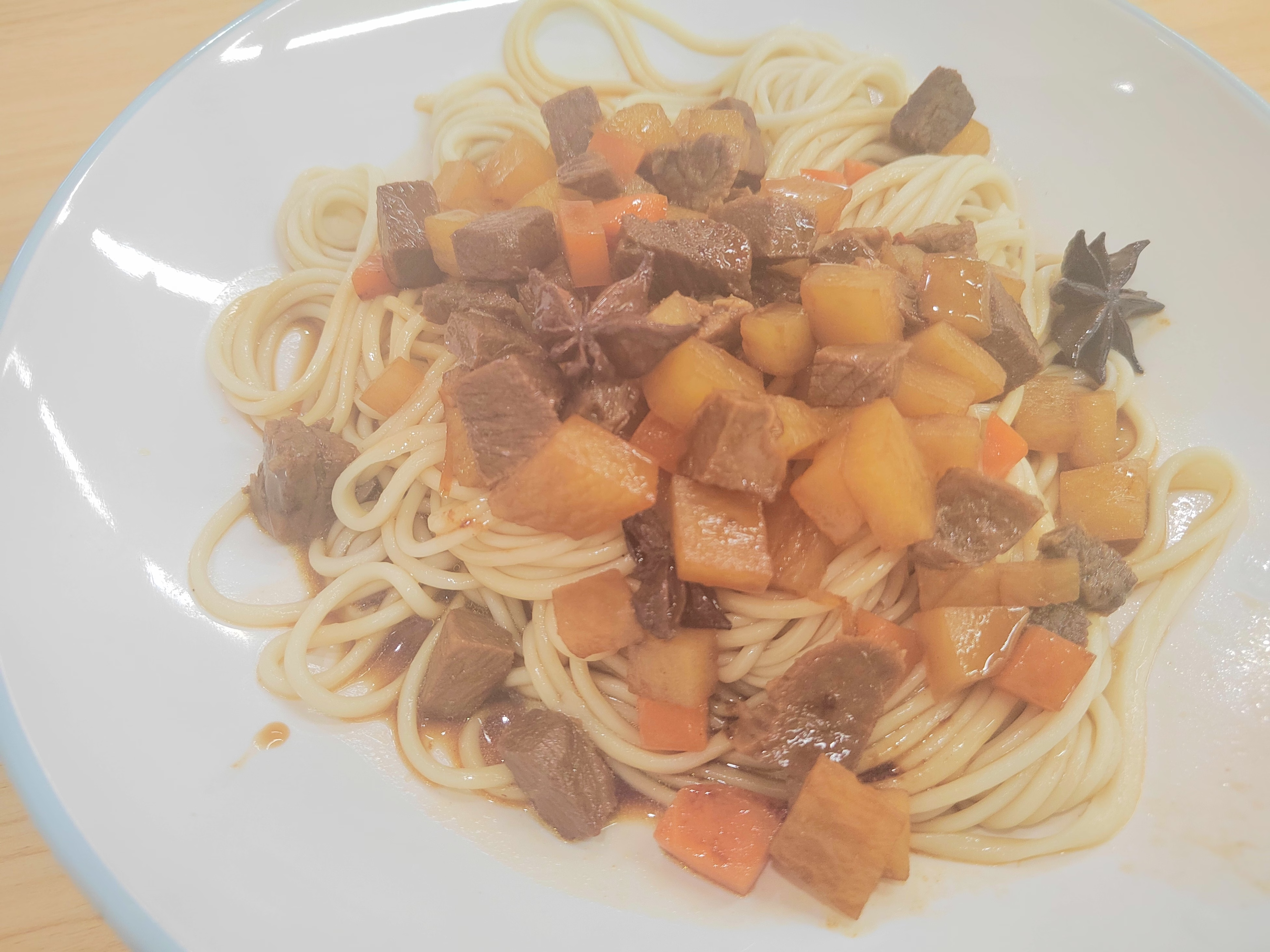

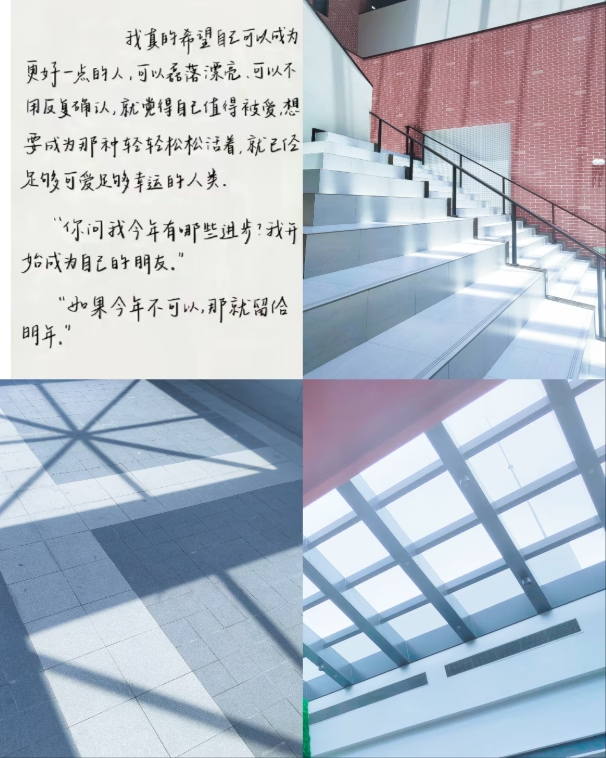
 玉米🌽 Post #274
 PipaQinse233 Post #457

 鳳 笑夢 Post #38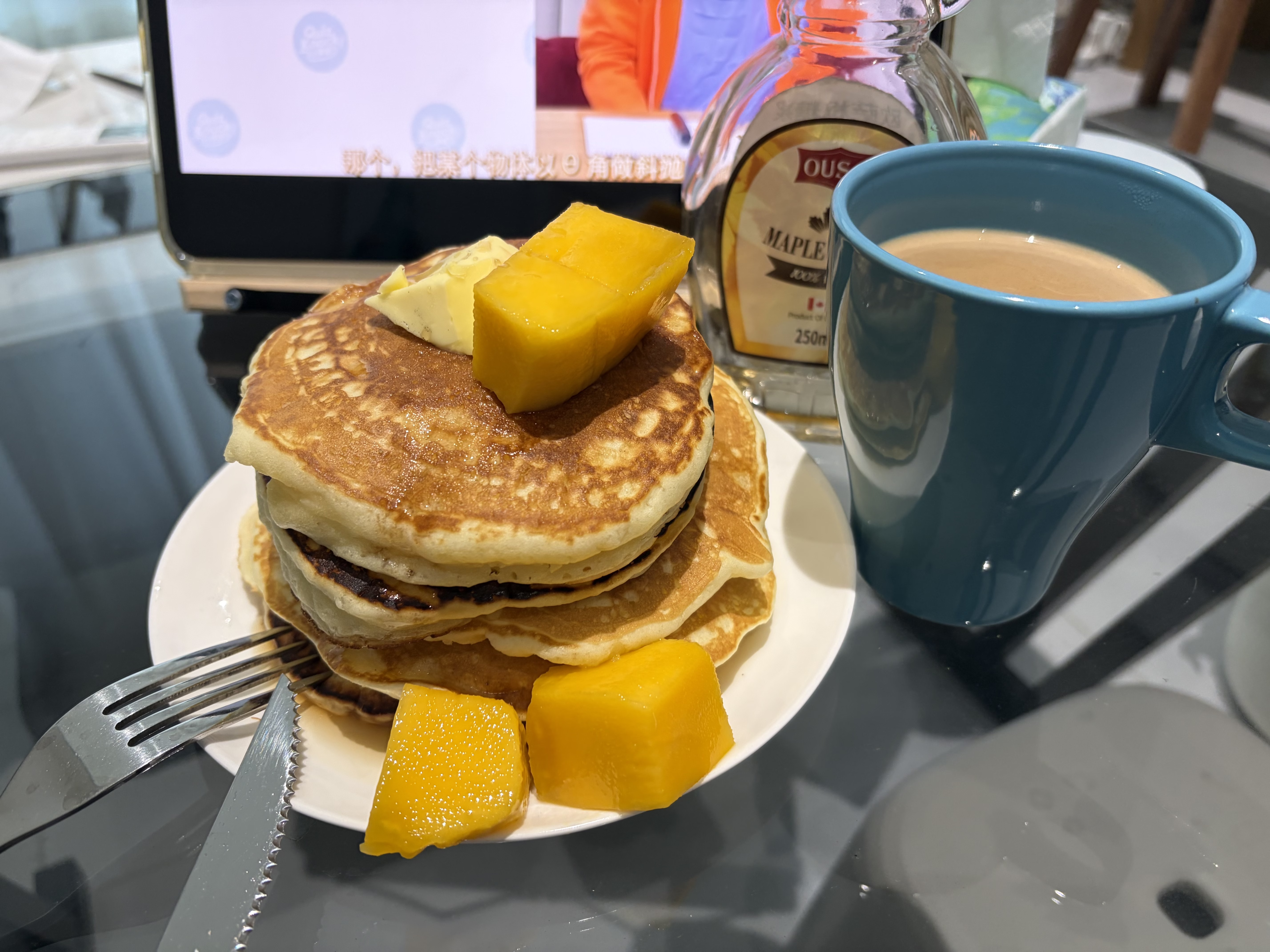
 ascah Post #230
 ᐕ)ノ Post #51
 后面的追逐战也非常紧张刺激
 醒来的那一段钢琴好平静 记得第二章蓝心处 写着一句诗
 不知道我何时才能和 madeline 一样登上属于我自己的 celeste 山顶呢?
 TwlnfuSprig Post #277
 JacKeiner Post #209
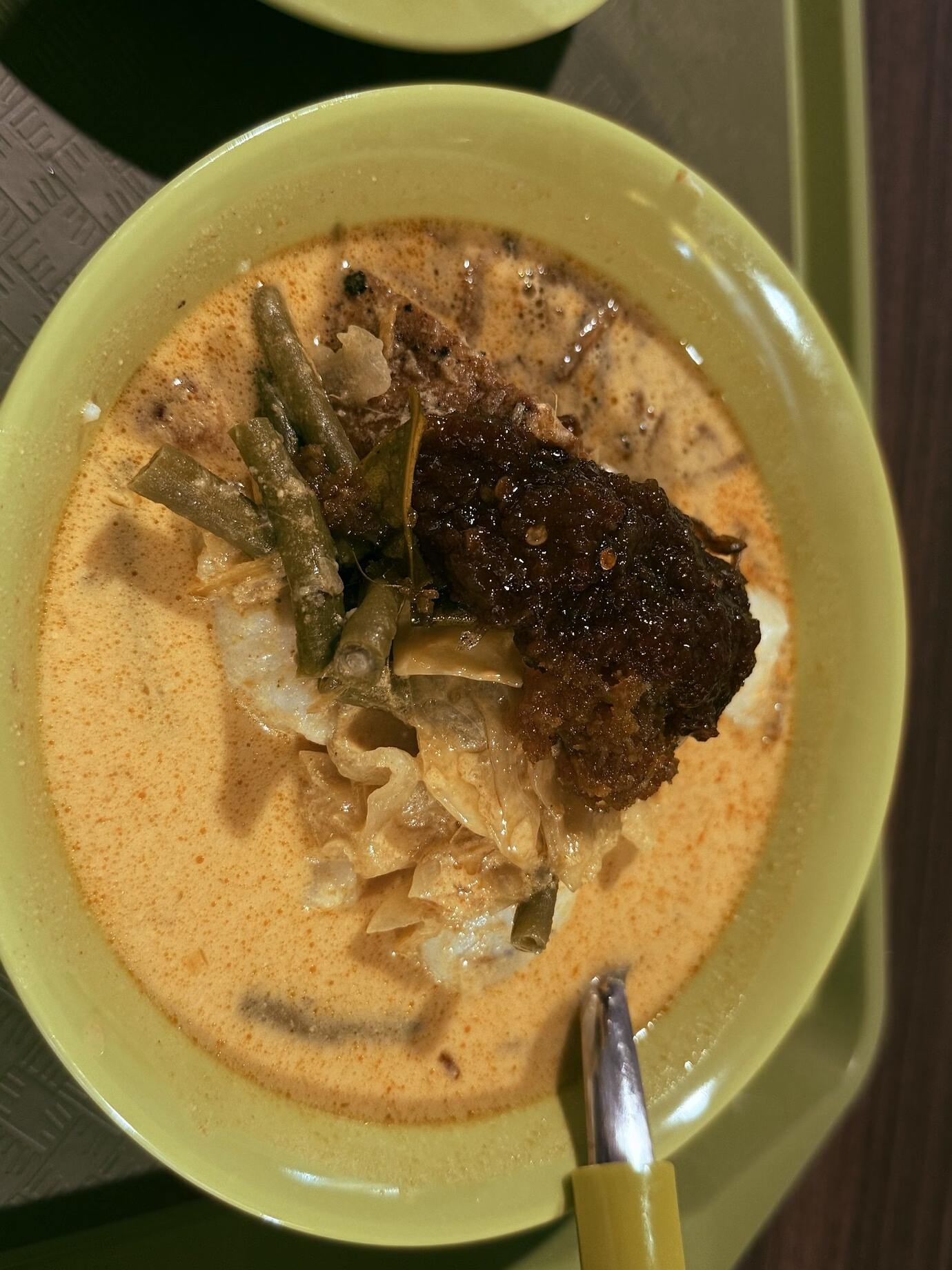
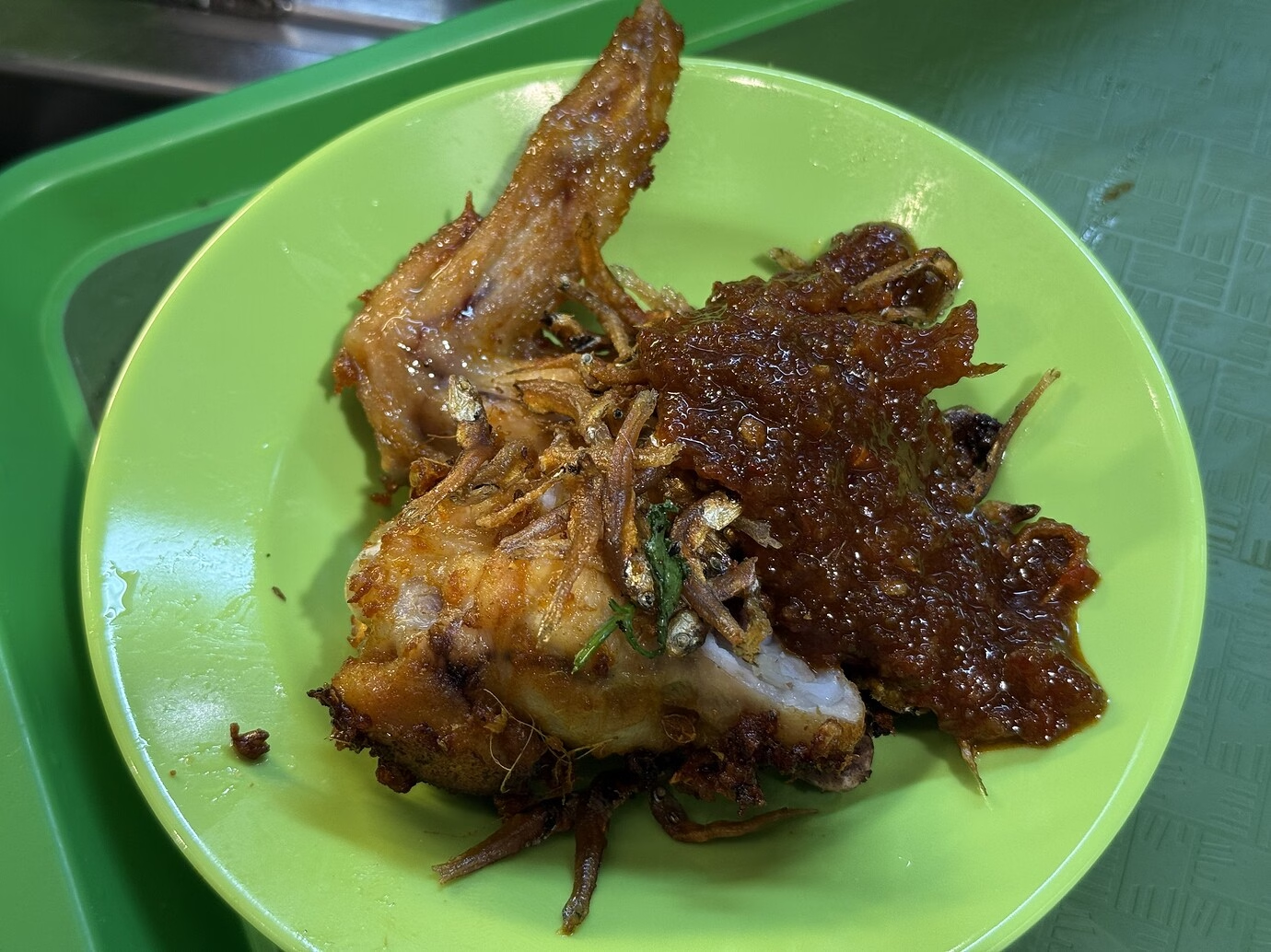
 Dvm Post #24
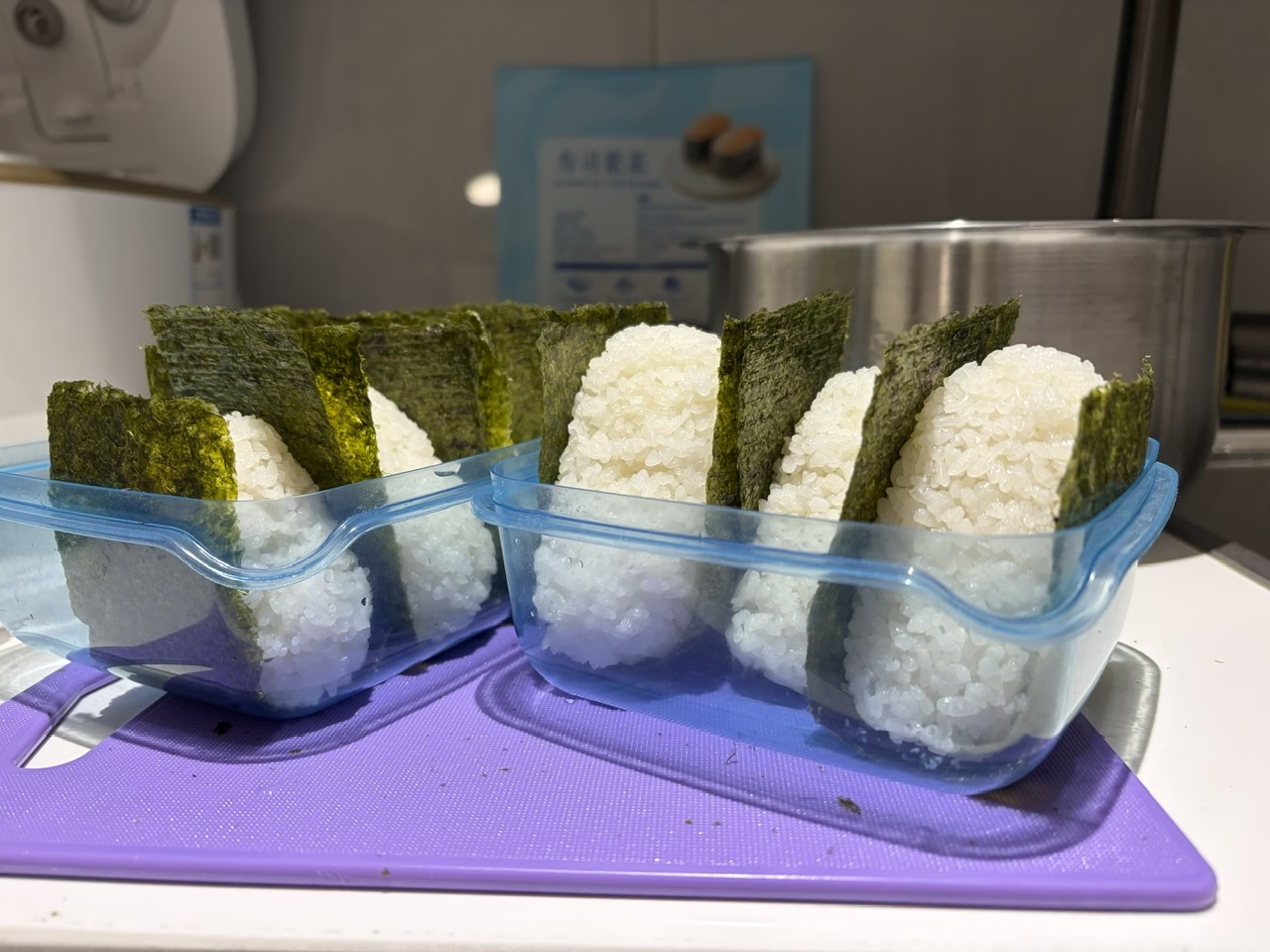
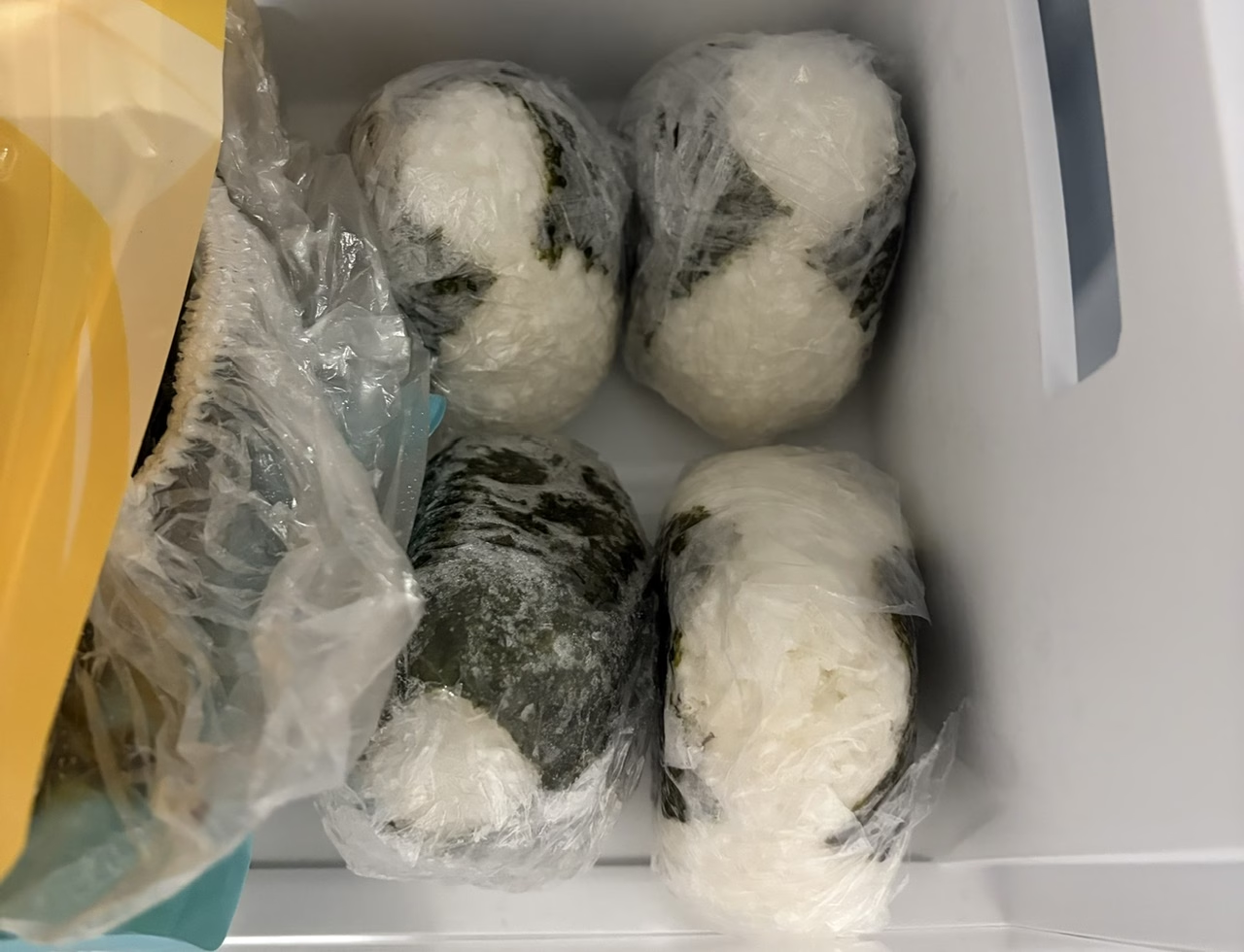
 后面准备整点预制饭菜晚上热热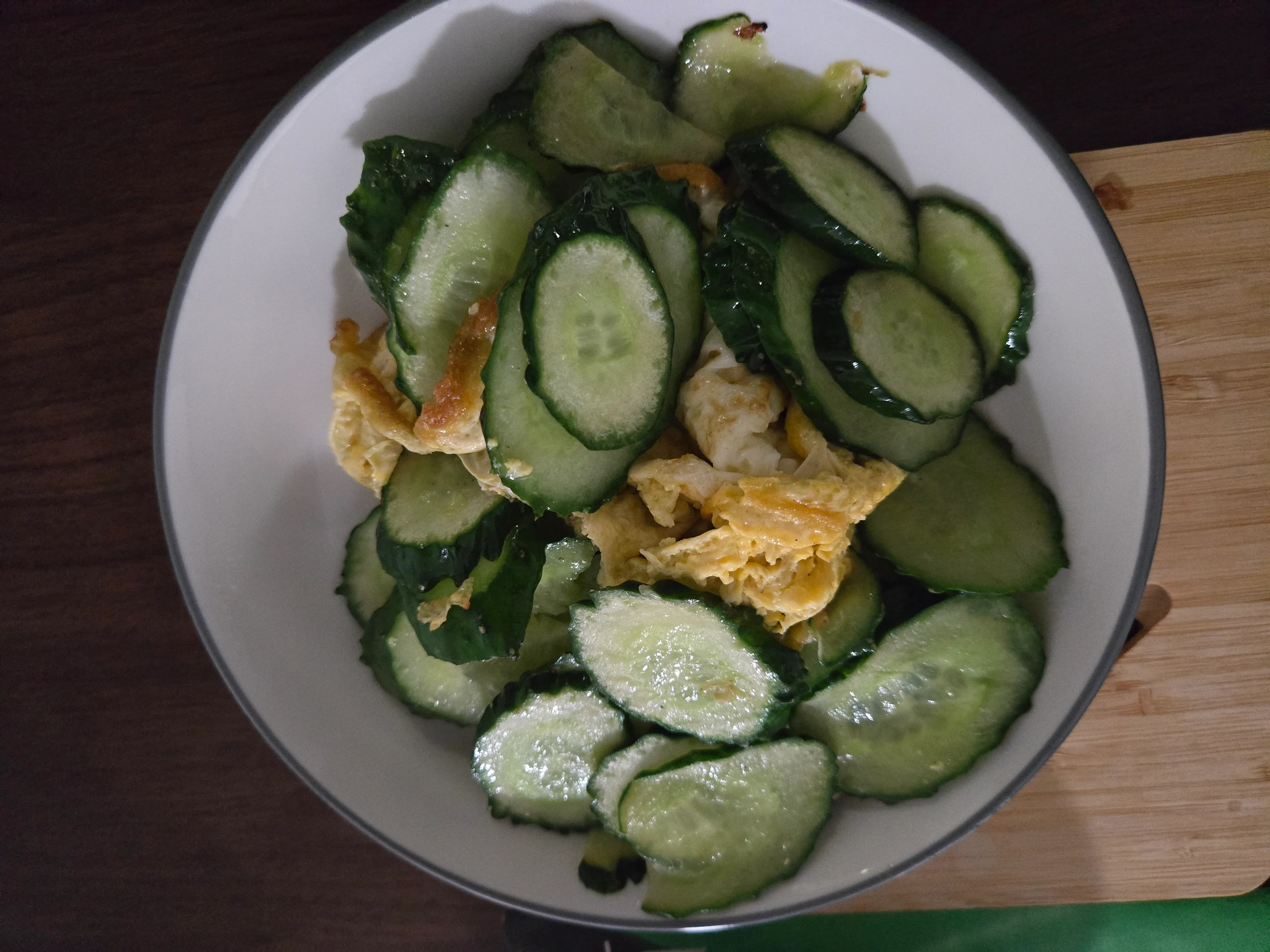

 rotartsinimdA Post #1




 Yukinochyan Post #1